22 Lobbies, One Modern Front Desk: How a Global Manufacturer Runs Reception on Microsoft Teams


22 Lobbies, One Modern Front Desk: How a Global Manufacturer Runs Reception on Microsoft Teams
A global industrial manufacturing company modernized reception across 22 lobbies in 22 cities with Virtual Front Desk stations running on Neat Frame devices. Visitors find their host in an employee directory synced from Microsoft Teams, sign an NDA, verify their ID, and print their own badge, for $109 per lobby per month.
The Challenge: 22 Front Desks to Staff for Simple, Repetitive Tasks
Reception matters at a manufacturing company: every visitor, contractor, and auditor comes through the lobby. But the real challenge was staffing: 22 front desks in 22 cities, each one difficult to hire for, cover, and keep filled. And the work itself was redundant. Most lobby interactions came down to the same two routine tasks, asking visitors who they were there to see and walking them through sign-in, yet each site carried the full fixed cost of a staffed counter to handle them.
The security side was just as pressing. Manufacturing facilities cannot simply wave visitors through: NDAs must be signed before anyone walks the floor, identities verified, and a record kept of exactly who was on site and when. Building compliance depends on it: every site must be able to prove who was in the building at any moment and that each visitor met its requirements before walking in. With all 22 locations running on paper binders and manual checks, the process needed modernization.
The Solution: An Employee Directory in Every Lobby, Powered by Microsoft Teams
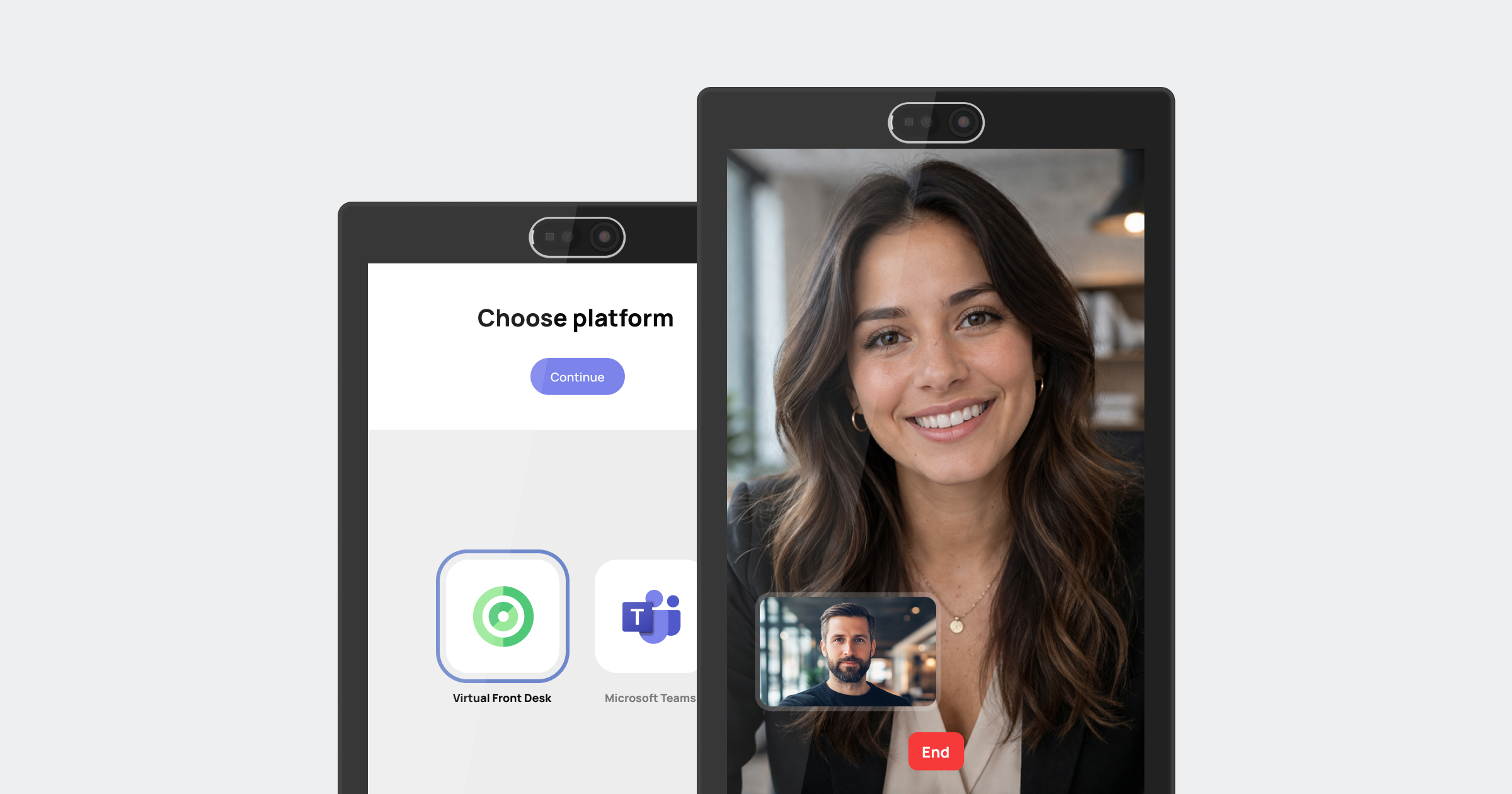
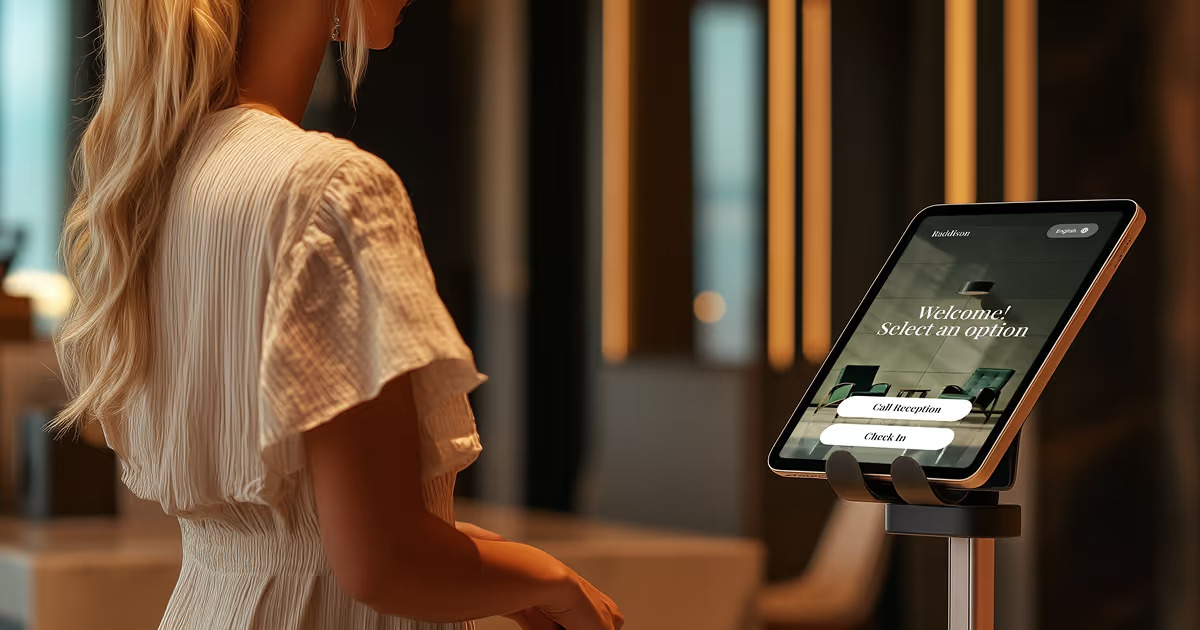
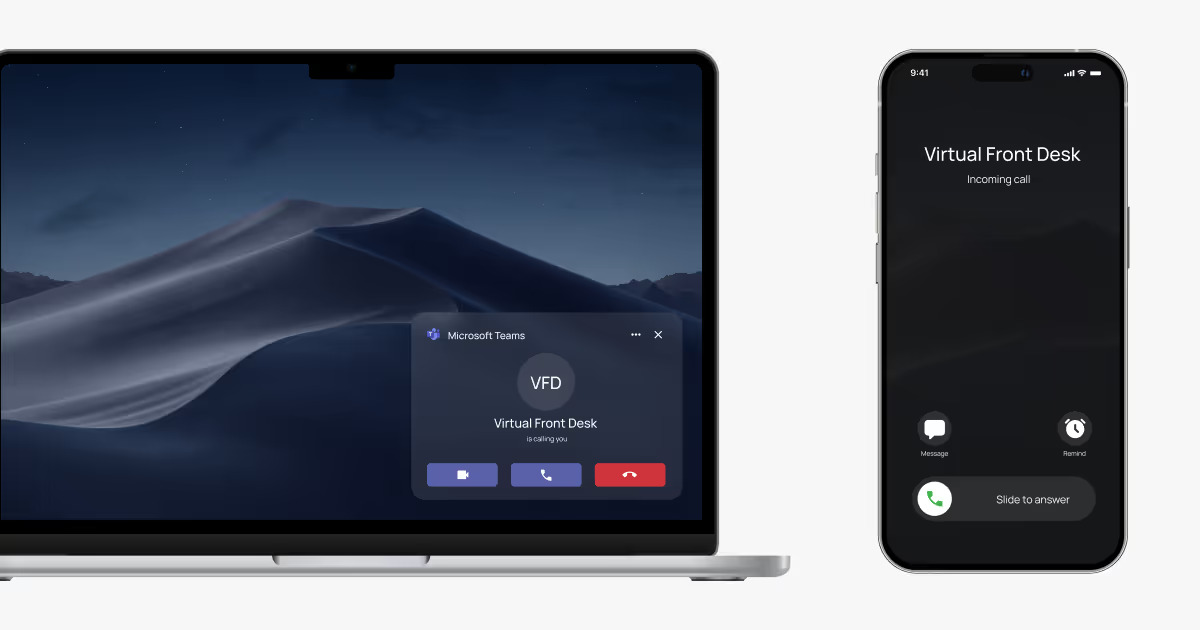
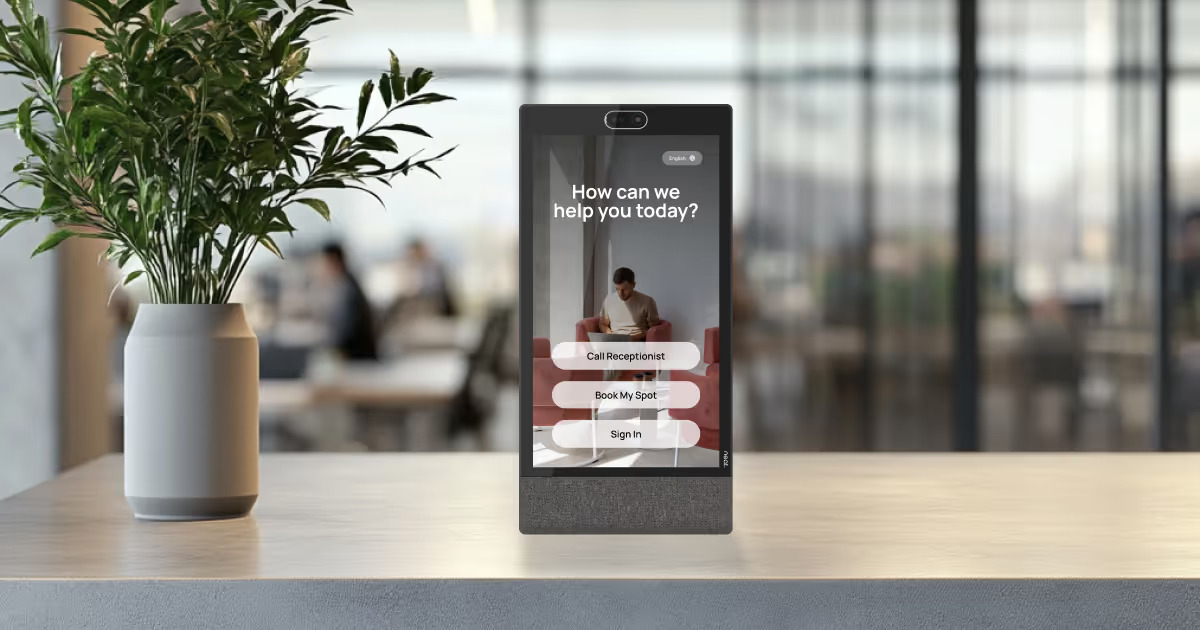
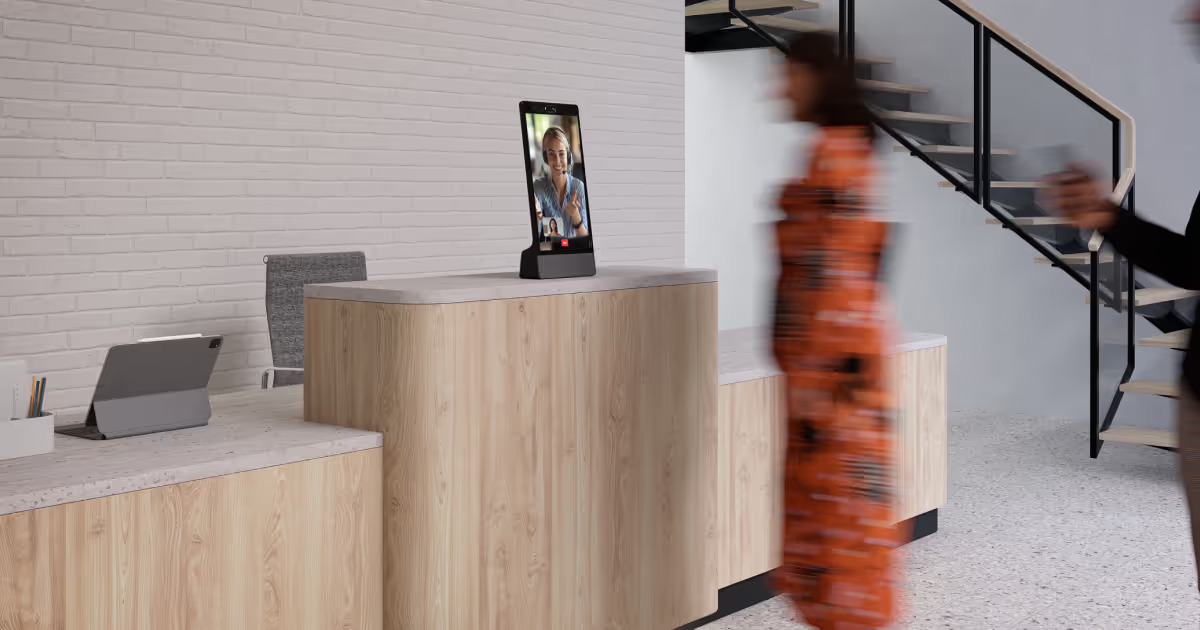
The company placed a Virtual Front Desk station in each lobby, running on a Neat Frame touchscreen. A visitor walks in, taps Employee Directory, and selects the person they have an appointment with. Through the platform’s native Microsoft Teams integration, the station places a true Teams video call to that employee, not just a notification like most competitors: the employee answers in Teams, the tool they already have open all day, greets their visitor face to face on the station’s screen, and comes down to meet them. No one has to relay the message, and no visitor waits at a counter wondering who to call.
The directory is not a list someone has to maintain. It is imported directly from Microsoft Entra ID, the company’s existing employee directory, so every lobby in every city always shows the current organization: new hires appear automatically, departures disappear, and IT manages nothing extra. For a company already standardized on Microsoft Teams, reception became a natural extension of the tools it already runs on.
Security and Building Compliance, Handled at the Station
Alongside the directory, every visitor completes a full sign-in at the same station before going any further:
- Signs the NDA: the non-disclosure agreement is presented and signed digitally right at the station, before the visit begins, and stored with the visitor record.
- Enters their details: name, company, and host captured in the sign-in form.
- Answers screening questions: the company’s own building compliance, safety, and site questions, answered on screen and logged before access is granted.
- Watches the security video, on a first visit: the visitor scans a QR code with their phone and the site’s security video opens right there, required viewing as part of the entry procedure for every new visitor.
- Takes a selfie: the station captures the visitor’s photo and attaches it to the visit record.
- Photographs their ID, front and back: identity documents captured digitally at the station, no photocopier, no manual checks at the counter.
- Prints their own visitor badge: a badge prints instantly beside the station, so everyone on the floor can see at a glance who has been through sign-in.
Sign-out is part of the same flow. When visitors leave, they sign themselves out at the station, so the log is not just a record of who came in but a live view of who is in the building at any given time. In an emergency, that matters: the site knows exactly who is still on the premises, and the platform can send an emergency SMS and email to every visitor in the building, from evacuation instructions to safety alerts, meeting building compliance requirements for visitor accountability.
Because the platform is entirely web-based, there was nothing to install and each site went live in days: mount the Neat Frame, connect the badge printer, and the lobby runs the same standard process as every other city.
Pre-Registered Before They Even Arrive
For scheduled visits, reception starts days before the visitor walks in. Through the platform’s Express pre-registration, the visitor receives an email ahead of the visit and completes the whole registration from their cell phone or computer, at their own pace, so every building compliance step is done before they arrive. On arrival, they simply scan their QR code at the station: their badge prints automatically and a video call connects them with the person they have an appointment with. A pre-registered visitor goes from the front door to a printed badge and their host in seconds.
A Modern Reception That Runs Itself
The result is a front desk that no longer depends on someone being behind the counter. The directory handles routing, the sign-in flow handles security, and employees answer the lobby’s video call in Teams and greet their own visitors. The routine greeting and paperwork that once tied a team member to every lobby is now automated, so those hours go to work that adds more value to the business. And the experience is identical in every city. A live video receptionist button can also be added to any station if a site ever wants a human face on screen.
A Full Record of Every Visitor, at Every Site
With no one stationed at the counter, visibility comes from the platform. Every station doubles as a security camera: management can open a live video view of any lobby at any moment, from anywhere, and see exactly what is happening at the front door in real time.
The dashboard completes the picture with a unified view across all 22 locations: every sign-in logged with its NDA, screening answers, selfie, and ID capture attached, and analytics showing how each lobby is used, how many visitors each site receives, and which options they select at the station.
What was once 22 paper binders in 22 cities is now one audit-ready visitor log for the entire company, and building compliance that once depended on paper records can be demonstrated for any site and any date in a few clicks.
The Results: Modern Reception, Measurable Efficiency
- Real cost savings in every lobby. The full front desk experience now costs $109 per lobby per month, a fraction of what a staffed counter costs, across all 22 sites.
- Staff time moved to higher-value work. With routing and sign-in automated, the hours once spent at the counter now go to administration, communications, and supporting the business.
- One consistent, compliant process. Every visitor in every city signs the NDA, answers the screening questions, verifies their ID, and wears a badge: building compliance enforced the same way at every site, with no exceptions and no local variations.
- Native to the tools employees already use. Host notifications arrive in Microsoft Teams and the directory syncs from Entra ID, so there was nothing new for employees to learn and nothing for IT to maintain.
“Every lobby now offers the same modern welcome: you tap your host’s name, sign the NDA, and your badge prints, and our team’s time goes where it adds more value.”
Mark, Workplace Services Lead, global manufacturing company, 22 sites
Frequently Asked Questions
What is a visitor management system for manufacturing?
A lobby station that handles the full front desk experience: visitors find their host in an employee directory, sign NDAs, answer screening questions, verify their ID with a selfie and document photos, and print a visitor badge, with every visit logged for audits.
How does the Microsoft Teams integration work?
The station’s employee directory is imported directly from Microsoft Entra ID, so it always matches the current organization. When a visitor selects their host, the station places a true Microsoft Teams video call to that employee, with SMS notification also available, and the employee answers on screen or comes to greet their visitor. No separate app, no manual directory upkeep.
Can a lobby really run without a staffed front desk?
Yes. The employee directory handles routing and the sign-in flow handles security and badging, so the lobby runs on its own and staff time is available for other work. The station also provides a live camera view of the lobby, so the front door is never unwatched. A live video receptionist button can also be added to any station for lobbies that want a human on screen.
How does visitor pre-registration work?
For scheduled visits, the visitor receives an email days in advance and fills out their registration on their phone or computer. At the office, they scan their QR code at the station: the badge prints automatically and a video call connects them with their host.
What happens during visitor sign-in?
The visitor signs the NDA digitally, enters their details, answers the company’s screening questions, watches the site security video on a first visit, takes a selfie, photographs their ID front and back, and a visitor badge prints beside the station, with the full record stored with the visit.
How does a visitor management system help with building compliance?
Every visitor is screened, NDA-signed, ID-verified, badged, and logged with a time stamp, so each site can demonstrate exactly who was in the building and that every entry requirement was met, with no paper records to chase.
What does visitor management software cost?
This manufacturer runs on the Enterprise plan at $109 per station per month. Virtual Front Desk plans start at $29 per station per month, with prepaid discounts and a free 30-day trial to start.
Is it hard to implement?
No. The platform is web-based with nothing to install: a station can be live in minutes, and the Entra ID directory import means the employee directory populates itself.
See it for yourself. Start a free trial of Virtual Front Desk, the all-in-one virtual reception and visitor management platform
All articles