
Live video reception built into your front desk
What is Virtual Front Desk
video reception?
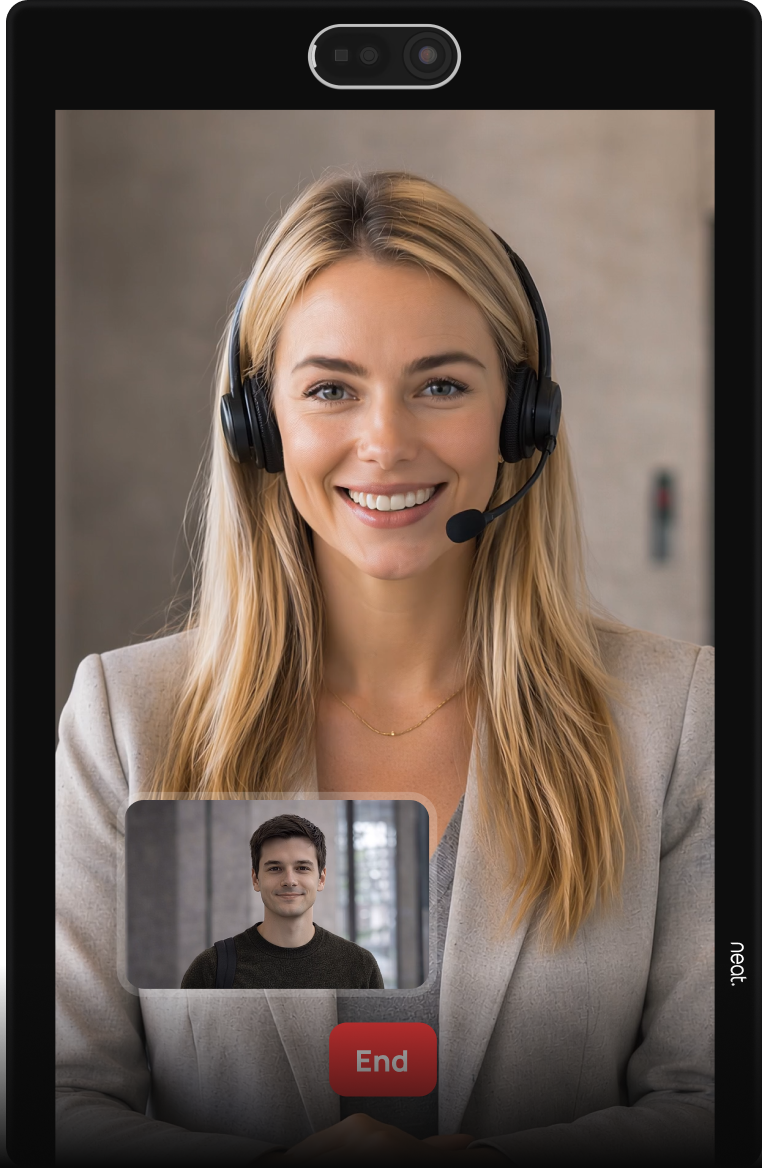
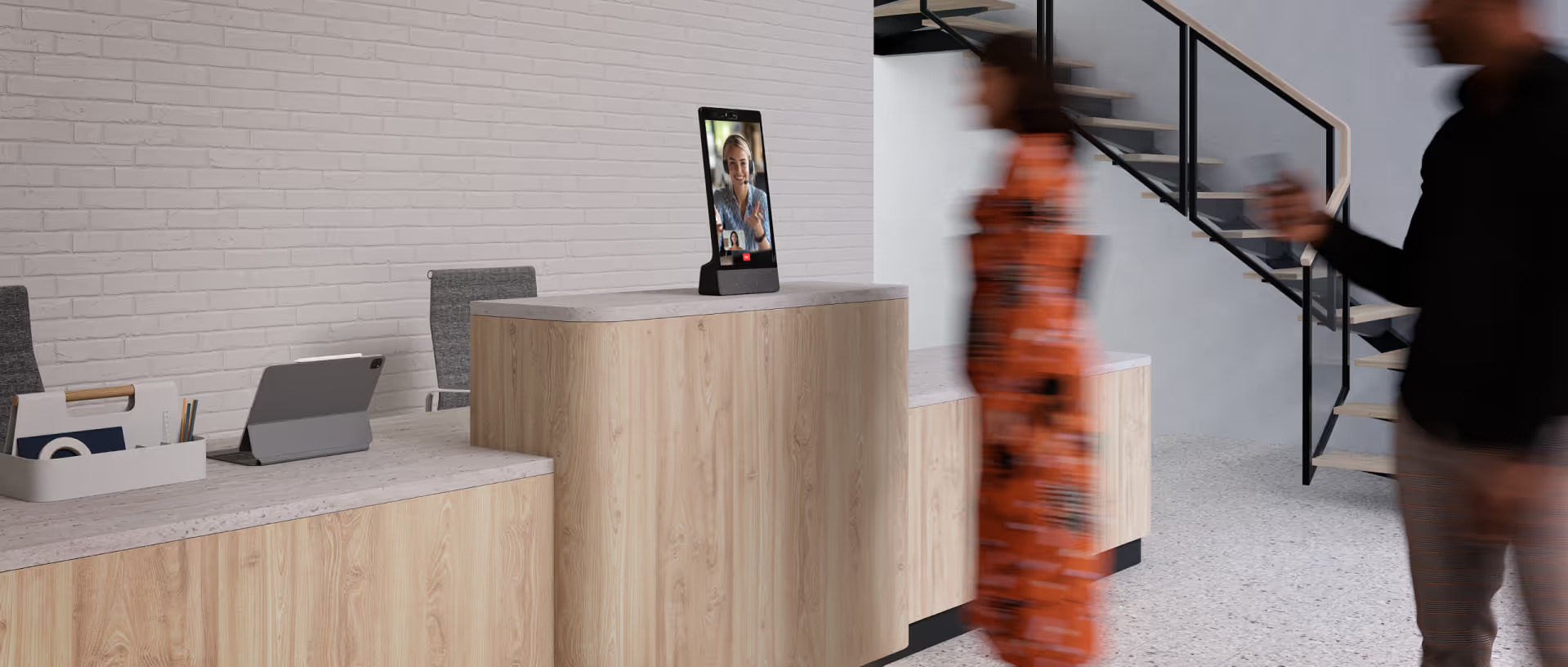
Video reception lets visitors speak face-to-face with a receptionist or employee through a front-desk station instead of requiring someone to be physically present at the reception desk. It can also provide a more familiar, personal experience for visitors who prefer speaking with a person, including older visitors or anyone who may need a little extra guidance. Virtual Front Desk combines live video with visitor management, call routing, station actions, and remote reception workflows in one software.
How video reception works
The visitor selects a call option at the station to begin a live reception request.
Virtual Front Desk sends the request to the right receptionist, employee, or team.
The visitor and receptionist speak face-to-face through the station in real time.
The receptionist provides guidance, completes next steps, or supports the visitor’s request.
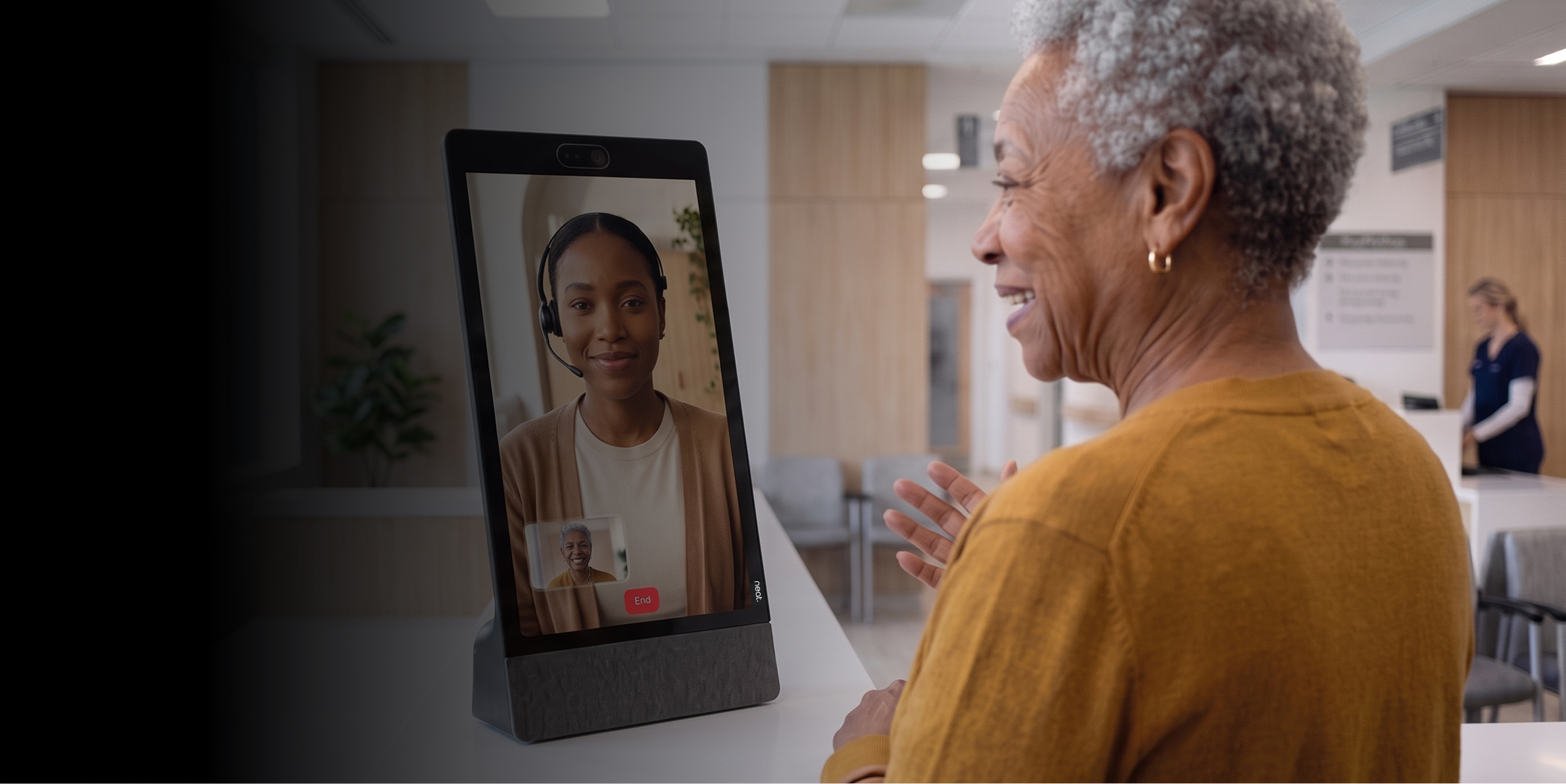
Face-to-face help, without a receptionist at every desk
Give visitors immediate access to a real person while allowing reception teams to work remotely, from a back office, or from a centralized hub.
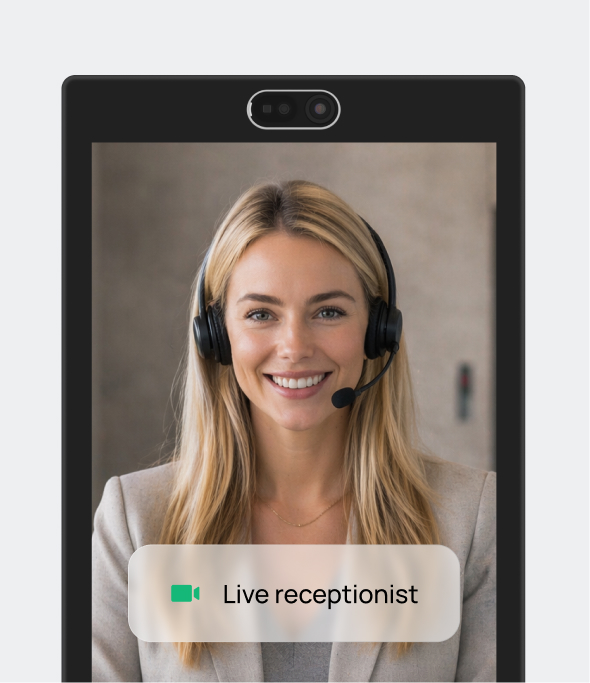
Connect visitors and receptionists face-to-face directly from the station.
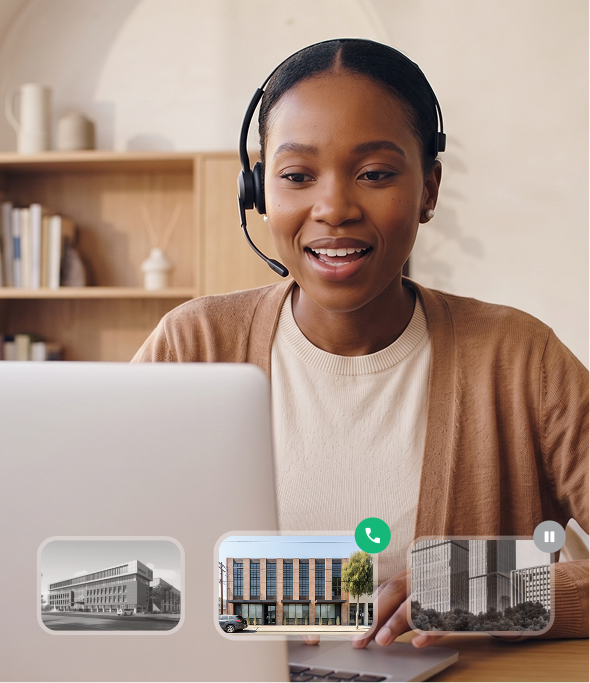
Let receptionists answer from another office, home, or centralized reception team.
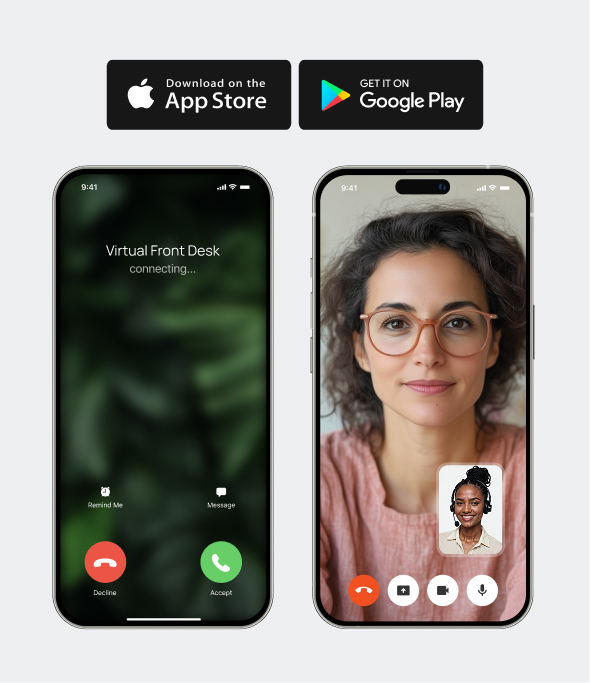
Take reception calls on supported mobile devices when staff are away from their desk.
Route every visitor to the right person
Configure station actions and routing so requests reach the right receptionist, employee, or team.
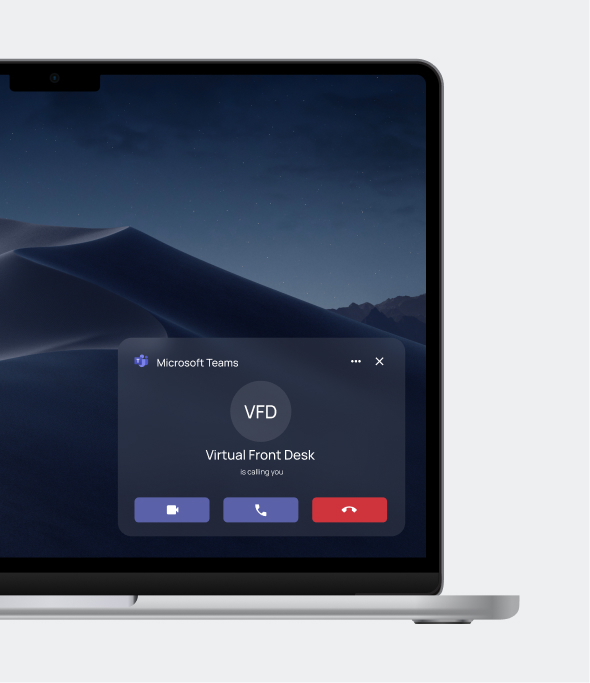
Route reception calls into Microsoft Teams so staff can answer using tools they already use.
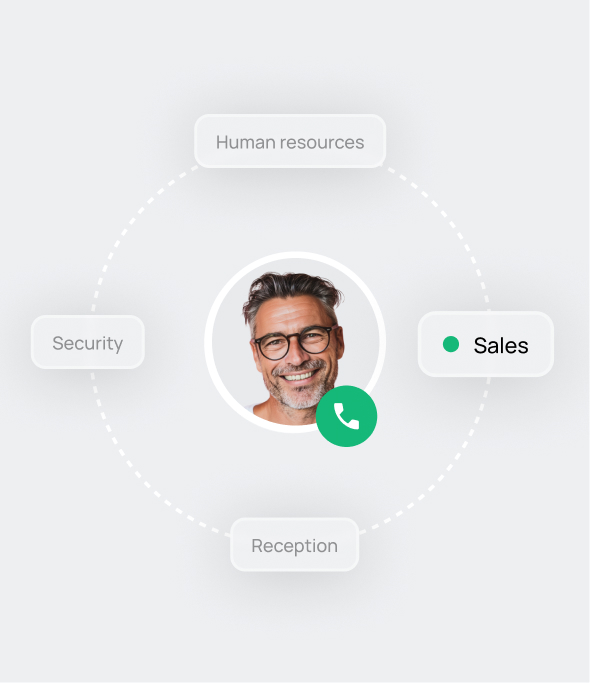
Let visitors reach the right person or department from the station.
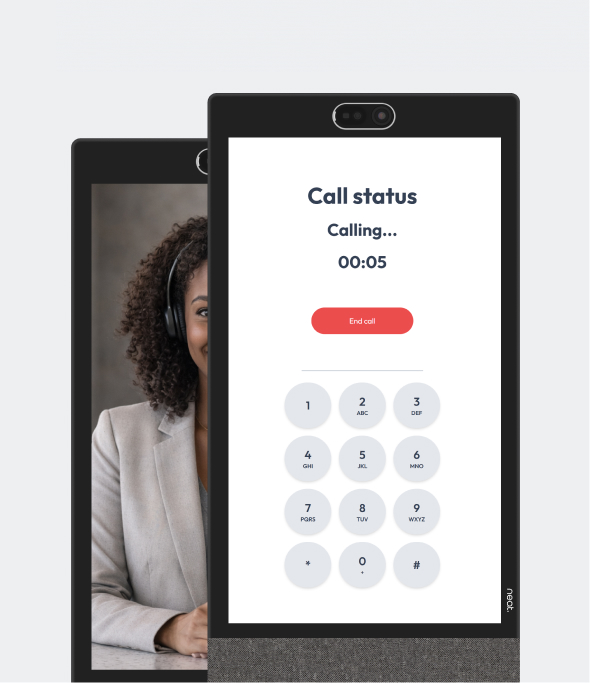
Support different communication paths depending on the visitor’s need.

More than a video call
A receptionist can stay on the call while helping the visitor complete the next front-desk task from the same platform.
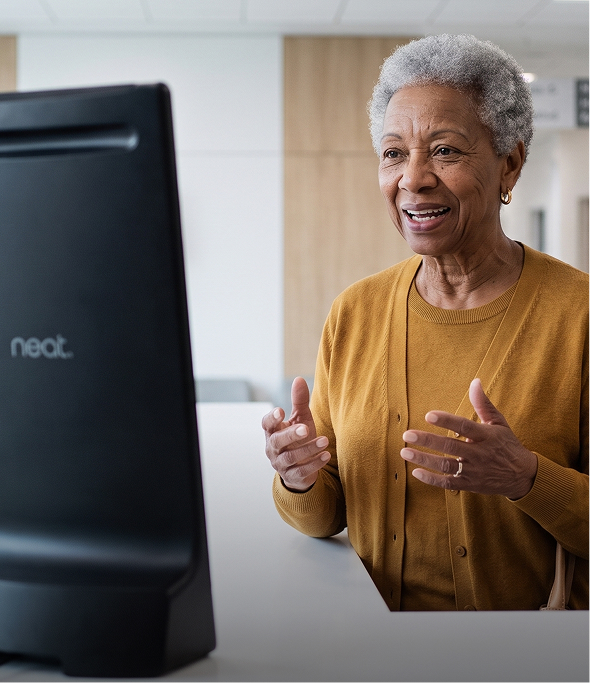
Guide visitors through sign-in or pre-registration while staying connected to reception.
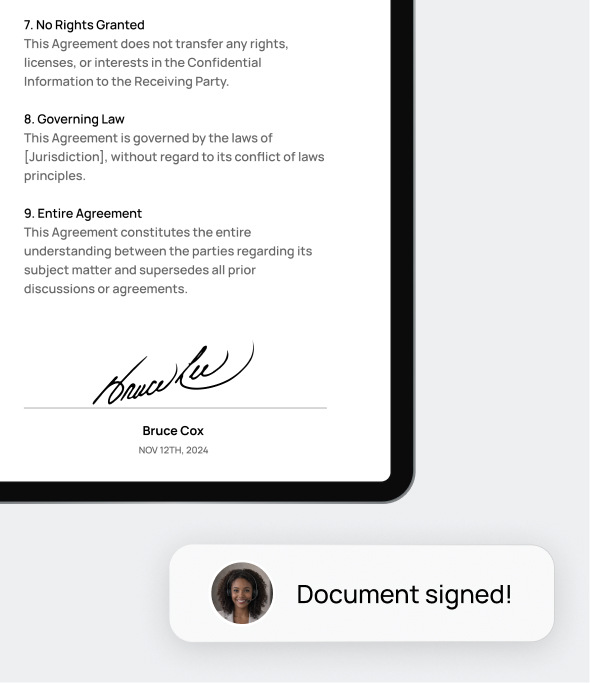
Help visitors view, upload, and sign required documents during the same interaction.
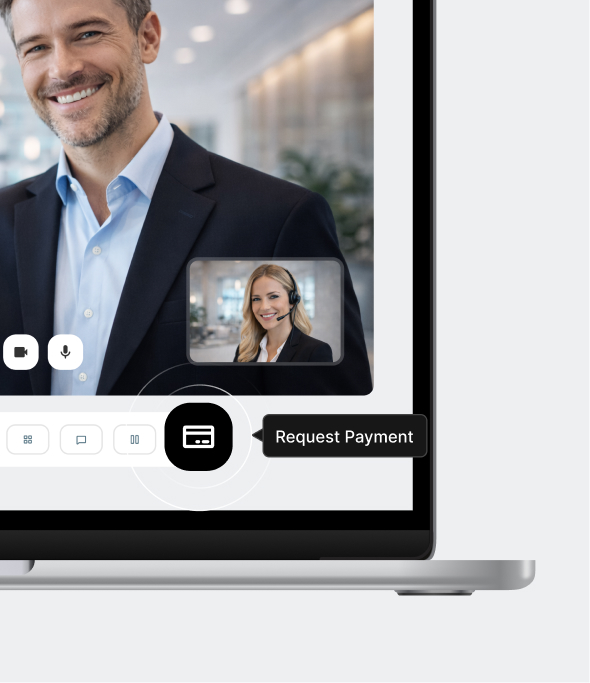
Send payment requests and support payment workflows without ending the reception call.
Ask for an ID, front and back, and keep it in the call history.
Visitors scan any document with their own phone using the digital scanner.
Send documents or forms for visitors to read and sign on the screen.
Request and take payments from visitors without ending the call.
Take a screenshot during the call to keep a visual record of the visit.
Send a written message straight onto the station screen.
Send a QR code with any URL behind it for the visitor to scan.
Share your screen with the visitor to walk them through information.
Deploy video reception on the hardware that fits your space
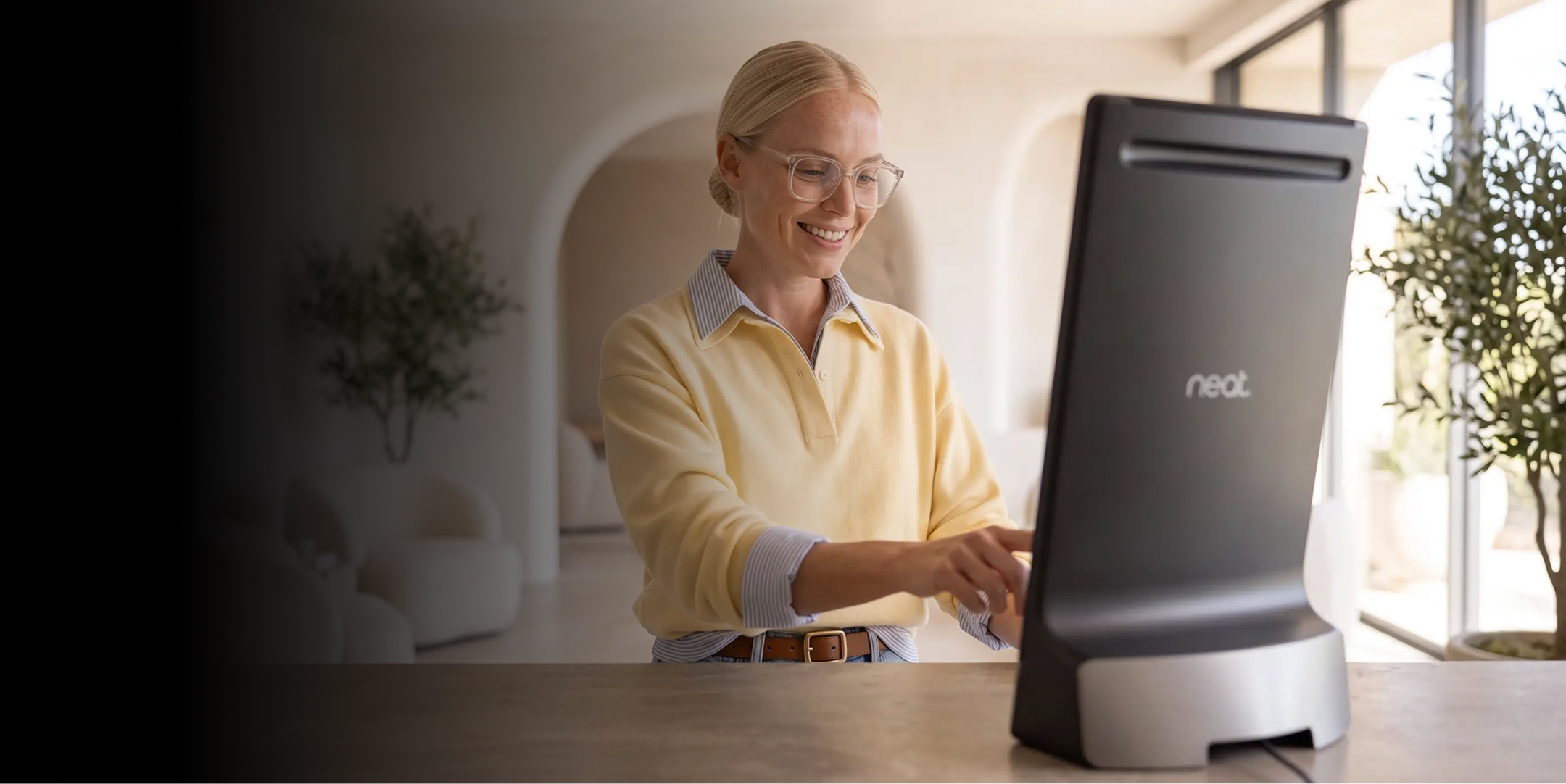
Run Virtual Front Desk Video Reception across supported tablets, kiosks, Neat devices, and other front-desk hardware without tying your reception workflow to a single device format.
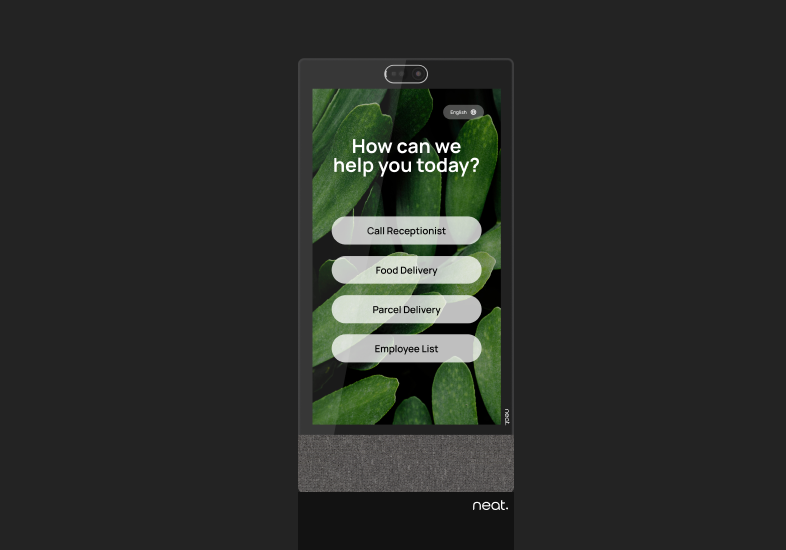
Premium video reception with integrated camera, audio.
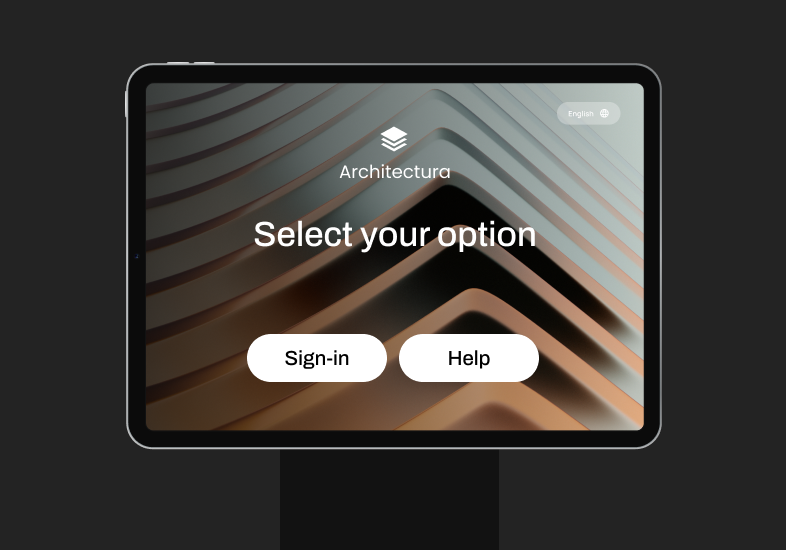
Flexible video reception on familiar tablet hardware for desks, counters, and smaller reception areas.
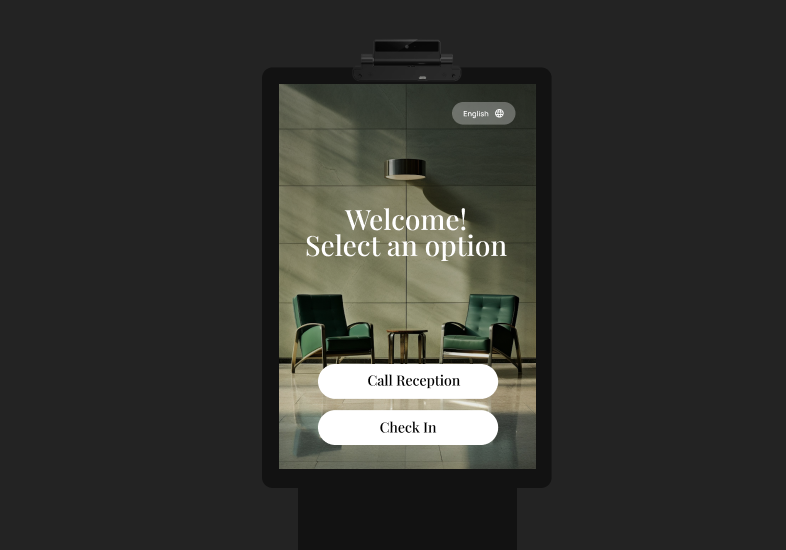
Create a polished touchscreen reception station for higher-traffic front-desk environments.
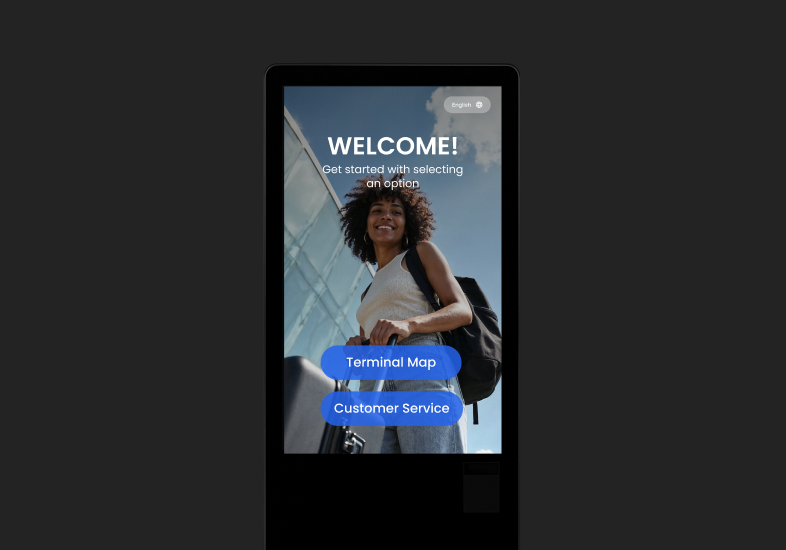
Deliver high-visibility video reception in busy lobbies, entrances, and public-facing spaces.
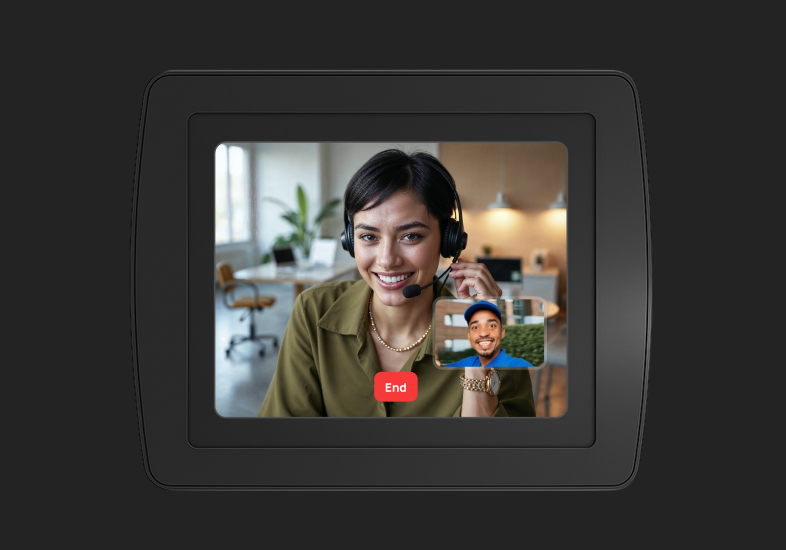
Connect visitors with reception before they enter the building or secure access point.
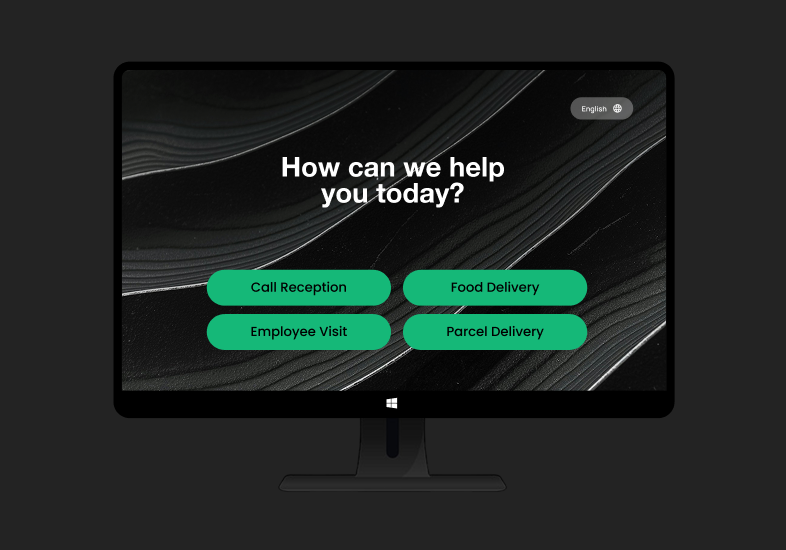
Combine display, camera, audio, and video reception in a complete front-desk setup.
The Best Alternative to Microsoft Teams Displays
Virtual Front Desk is the upgrade from Microsoft Teams Displays. It runs on tablets, kiosks, and the Neat Frame, keeps your Microsoft Teams reception workflows, and adds features such as visitor sign-in, badge printing, and branding that Teams Displays never offered.
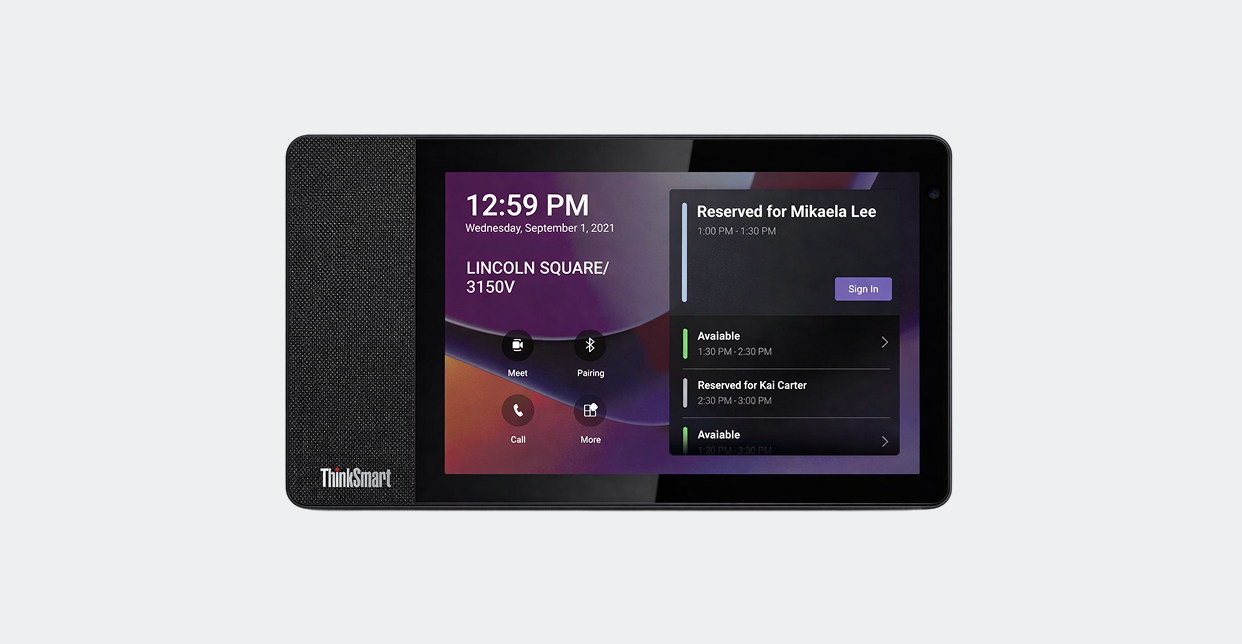
Microsoft stopped supporting Microsoft Teams Displays on September 3, 2025. No more software updates, so it's time to move to a new platform,
- Limited features
- No room for branded, customized station experiences
- Less flexibility for mixed device environments
- Harder to scale one experience across different locations
- Limited front-desk workflow depth beyond reception calls
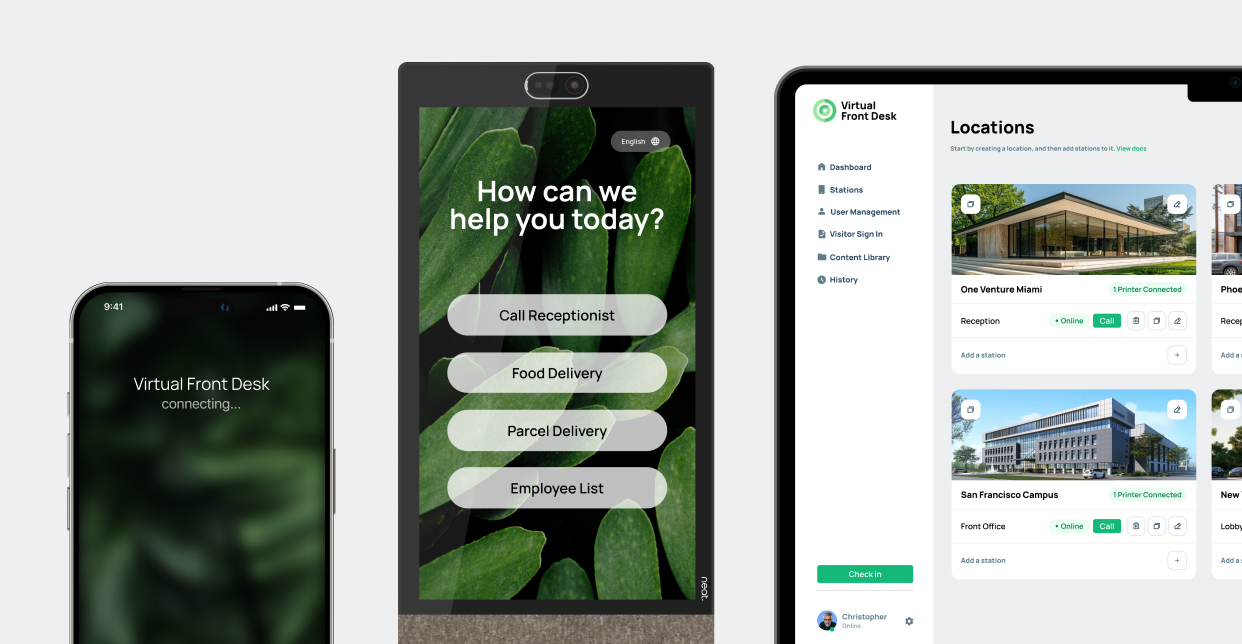
Keeps your Microsoft Teams reception calls, and adds the rest: visitor sign-in, document signing, badge printing and branded stations across every location.
- Evolving platform with 40+ features
- Works across a wide range of devices
- Supports MS Teams-connected reception workflows
- Combines visitor sign-in with front-desk communication
- Supports branded stations and customizable actions

AI when it can.
Human when needed.
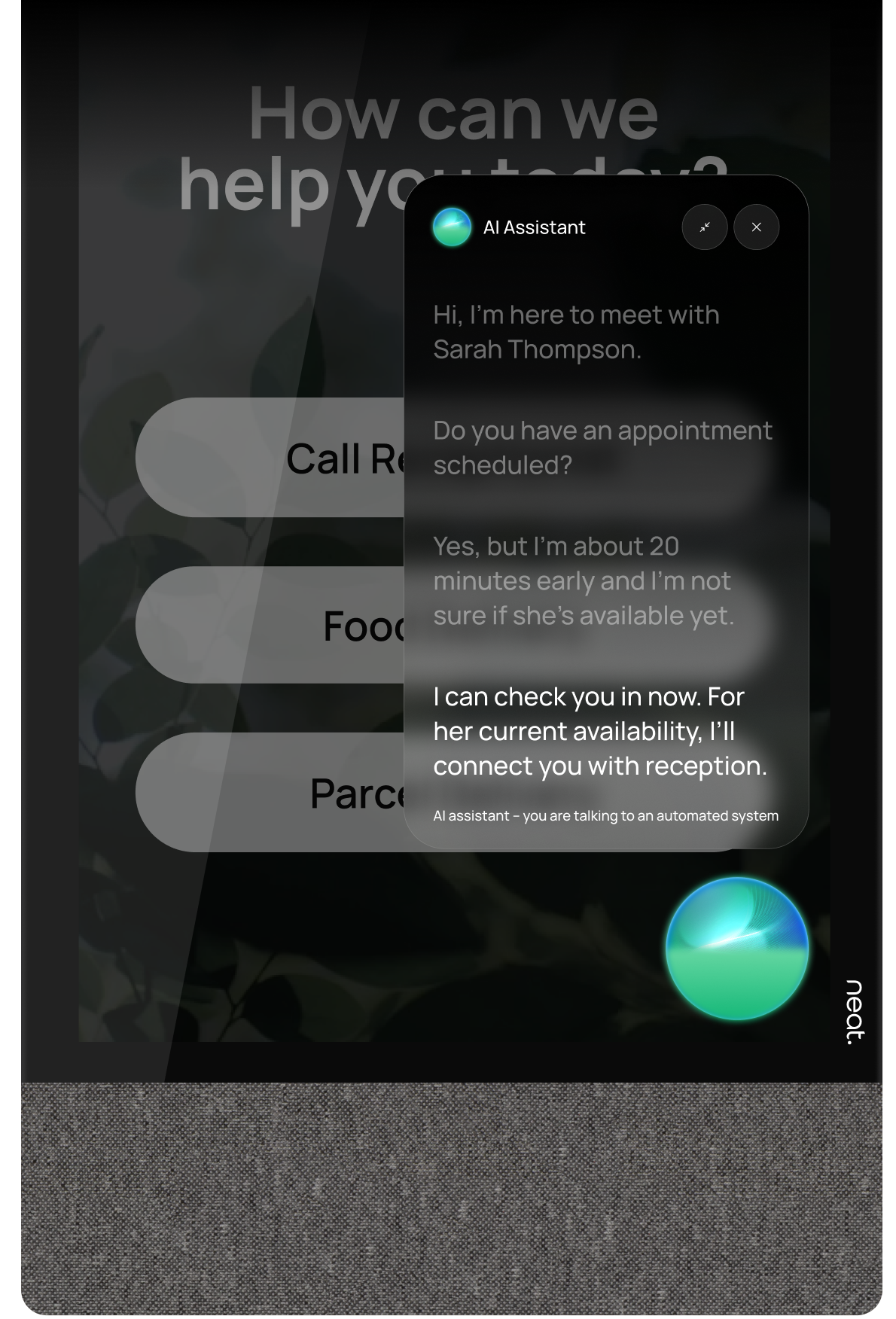
Virtual Front Desk Intelligence can answer routine questions, guide visitors, and start workflows. When the interaction needs human judgment or personal service, the visitor can transition directly to a live video receptionist.
See how video reception could work at your front desk
Talk to our team about your locations, devices, staffing model, and visitor workflows, and see how Virtual Front Desk can fit your reception setup.
Do you have questions?
Check them below
If you don't find an answer to your question, please, feel free to contact us
What is video reception software?
Video reception software lets visitors connect with a receptionist or employee through a live video call from a front-desk station.
It gives organizations a way to provide personal reception support without requiring someone to be physically present at every front desk.
Book a demo to see how Virtual Front Desk Video Reception works in a real visitor scenario.
How does Virtual Front Desk Video Reception work?
A visitor starts a call from the Virtual Front Desk station, and the platform routes the request to the appropriate receptionist, employee, or team for a live video conversation.
The same interaction can continue into front-desk tasks such as visitor check-in, document handling, payments, or routing to another person.
Contact sales to discover how video reception can fit into your current front-desk workflow.
Can receptionists answer remotely?
Yes. Virtual Front Desk allows receptionists to answer visitor calls remotely instead of being physically located at the front desk.
Reception teams can work from another office, a back office, home, or a centralized reception hub while still supporting visitors face-to-face.
Contact sales to explore the best remote reception setup for your team and locations.
Can one receptionist support multiple locations?
Yes. Virtual Front Desk can support centralized reception models where one receptionist or team handles visitor calls from multiple locations.
This helps organizations standardize reception coverage across offices, clinics, facilities, and entry points without staffing every location separately.
Contact sales to discuss multi-location coverage and centralized reception options.
Does Virtual Front Desk Video Reception work with Microsoft Teams?
Yes. Virtual Front Desk supports Microsoft Teams-connected reception workflows, allowing front-desk calls to be routed into the tools staff already use.
Teams can respond to visitor calls without adding a separate communication workflow, making video reception easier to fit into Microsoft-based environments.
Contact sales to discover how Virtual Front Desk can work with your existing Microsoft Teams setup.
Can video reception be combined with visitor check-in?
Yes. Virtual Front Desk combines live video reception with visitor management workflows, including sign-in and pre-registration.
A live receptionist can be notified at the end of the sign-in form instead of the simple SMS or email notification.
Contact sales to see how video reception and visitor management can work together in your front-desk experience.
What happens if a visitor needs more than a video call?
The receptionist can continue helping the visitor with other front-desk tasks such as check-in, documents, and payments.
Virtual Front Desk is designed to support the full visitor interaction, not just the video conversation itself.
Explore all features to see what front-desk workflows can be combined with live video reception.
Can an AI receptionist and live video work together?
Yes. Virtual Front Desk (VFD) Intelligence can handle routine visitor questions and guide front-desk workflows, then connect the visitor to a live video receptionist when human assistance is needed.
AI can handle repetitive interactions while live reception remains available for complex questions, exceptions, or situations where a person is the better choice.
Contact sales to discover how AI reception and live video can work together for your organization.

