Android Mobile native application
Virtual Front Desk Mobile App for Android
The Virtual Front Desk mobile app for Android allows you to receive and manage video call notifications directly from your smartphone or tablet. Available on the Google Play Store, the app brings face-to-face service capabilities to your mobile device, giving you the flexibility to stay connected with visitors wherever you are.
This guide walks you through downloading, setting up, and using the Virtual Front Desk app on your Android device. It covers essential permissions, key functionality, and important limitations to be aware of when using the mobile app instead of the full PC dashboard.
Note: If you are accessing Virtual Front Desk from outside the United States (e.g., .ca, .global, or .asia domains), you must reload the app after your first login to ensure it functions correctly.
How to Set Up and Use the Virtual Front Desk Android App
*Important: If you're outside the US (.ca, .global, .asia), you must reload the app after your first login.
Virtual Front Desk offers a mobile app that lets you receive native video call notifications directly on your Android Phone or tablet. Simply search for "Virtual Front Desk" in the Google Play Store to download it.
The app allows you to provide face-to-face service right from your mobile device.
Here are some key details to know:
The mobile app offers limited functionality. To access the full range of Virtual Front Desk features, please use the dashboard on a PC.
Log in the app and allow all permissions for the camera, microphone and phone calls.
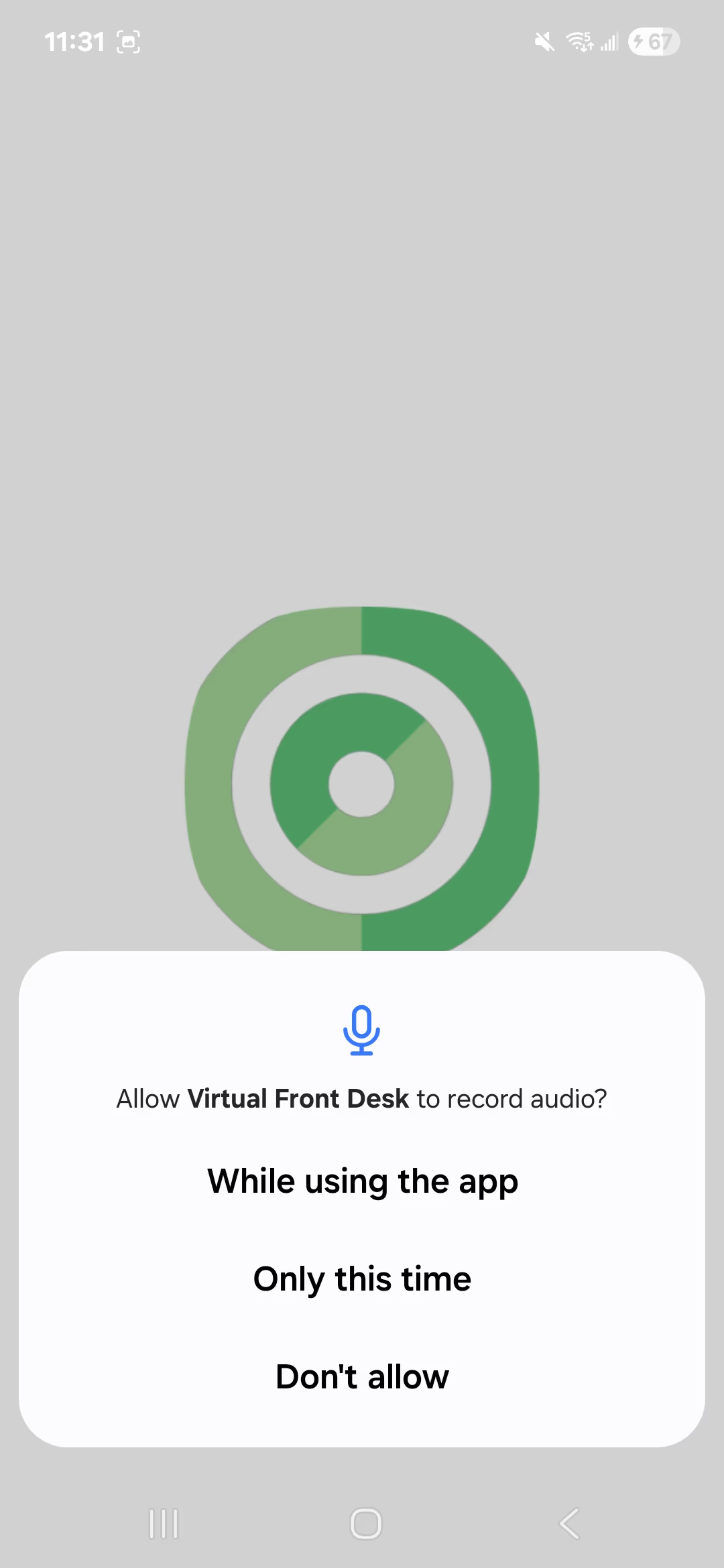
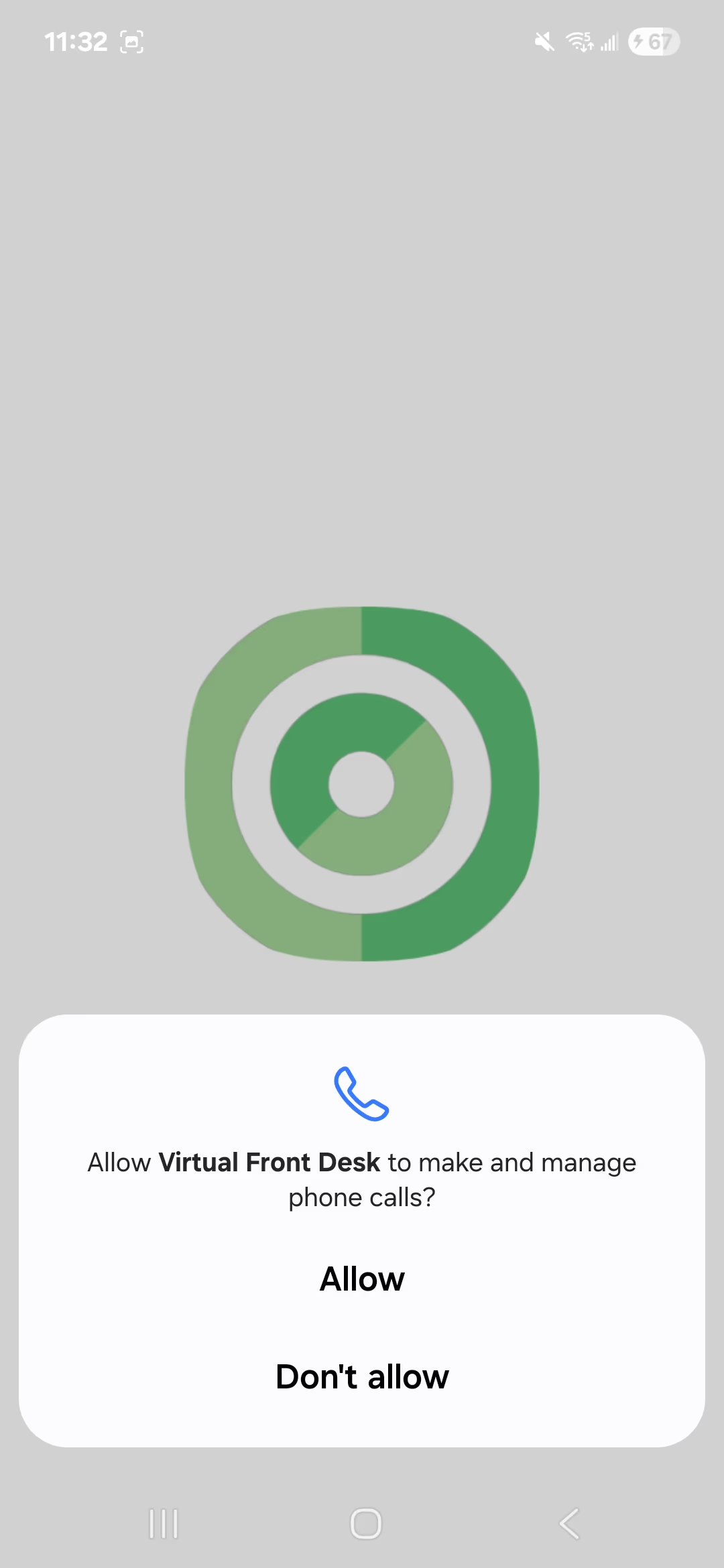
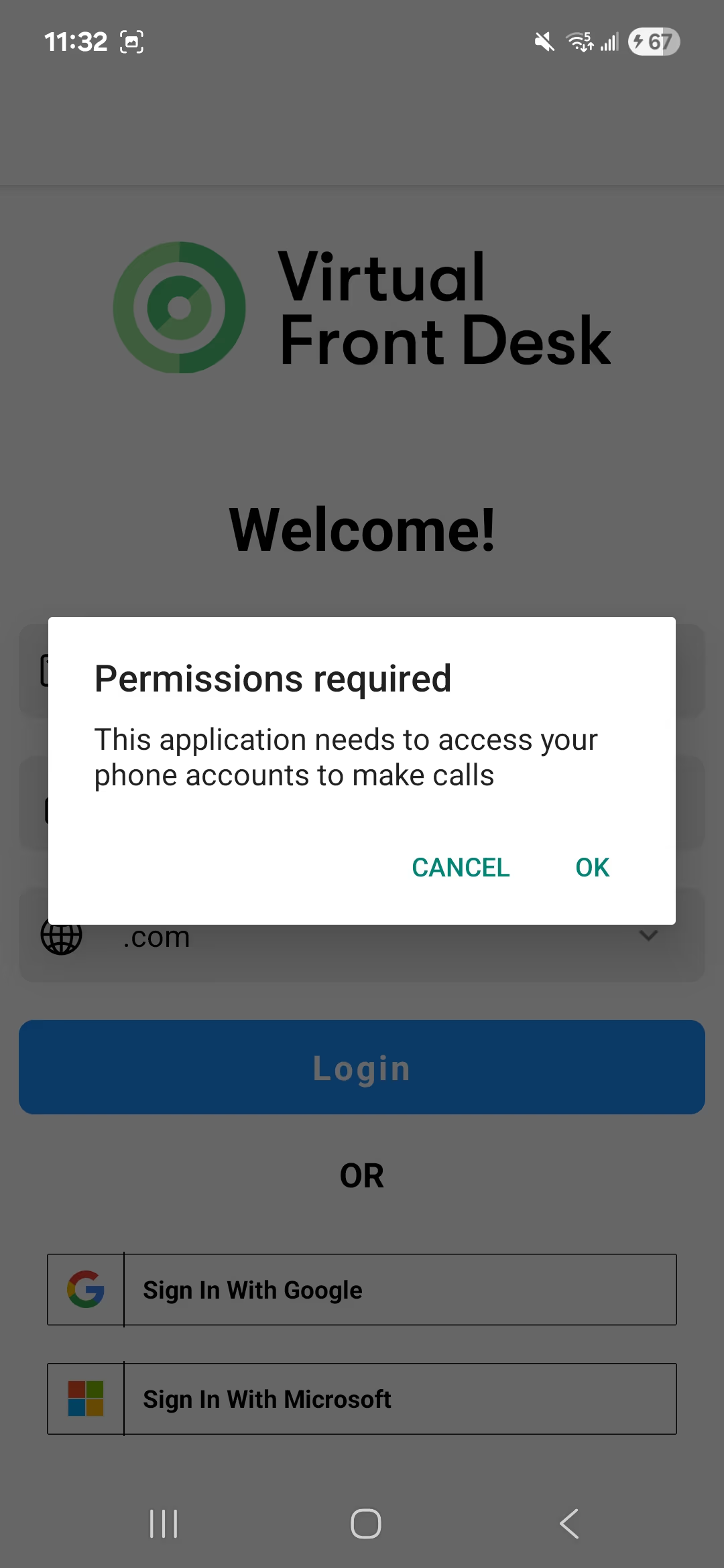
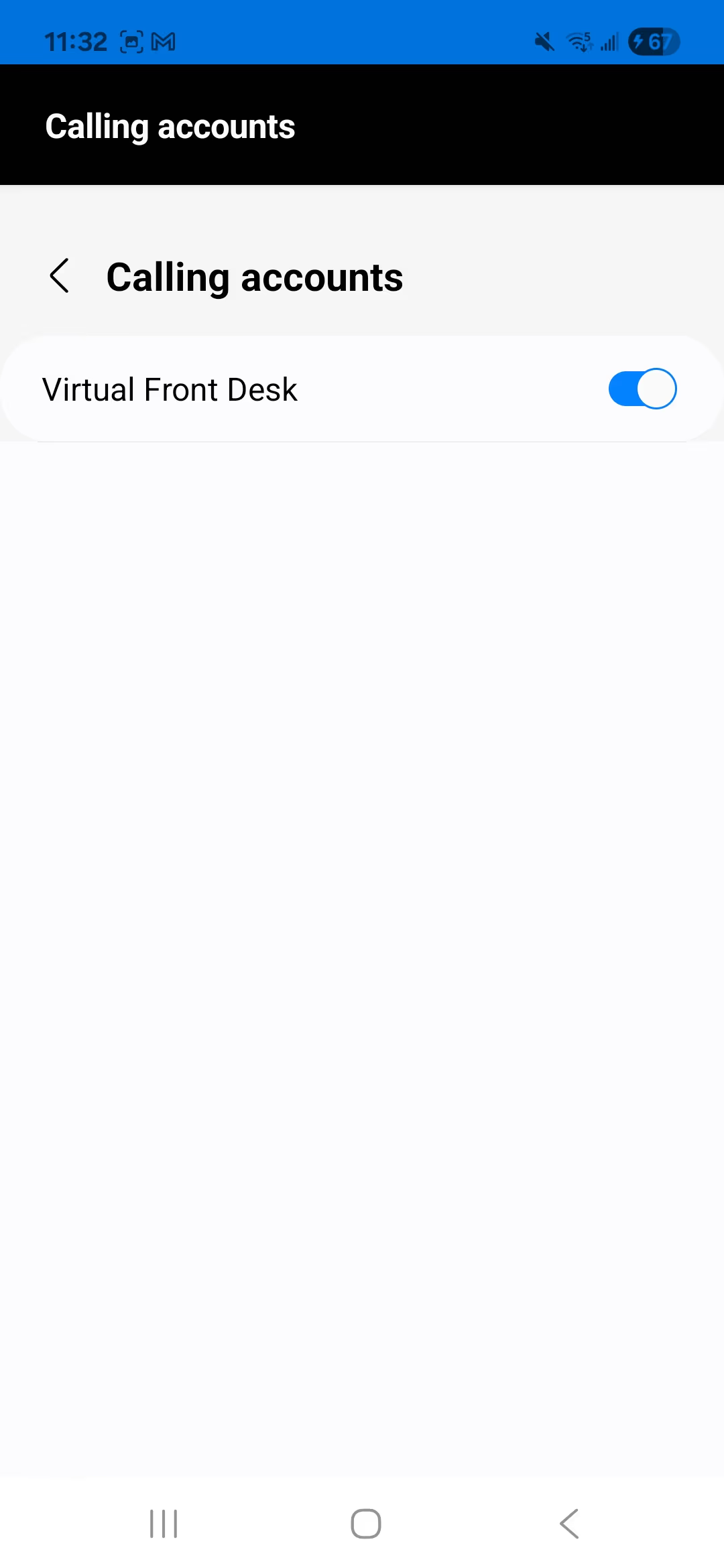
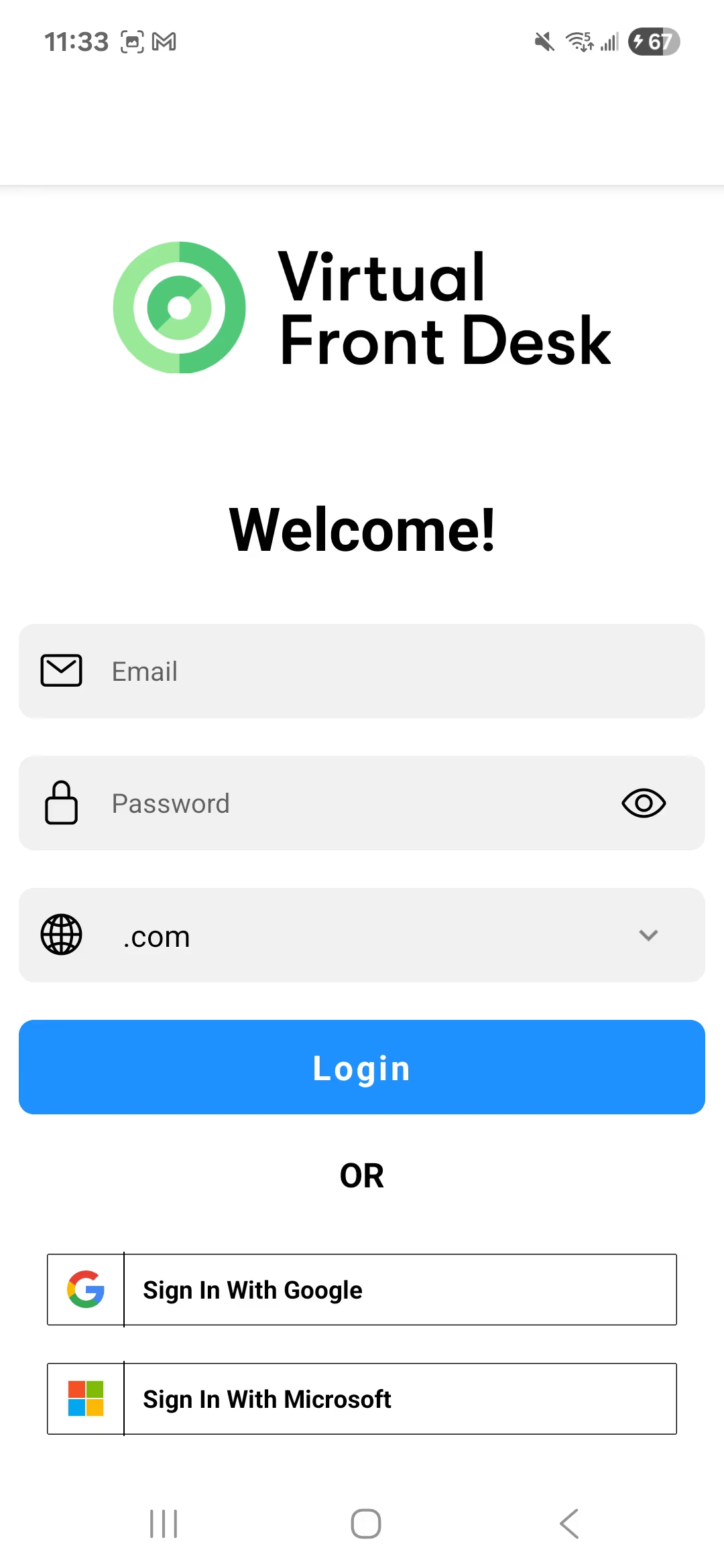
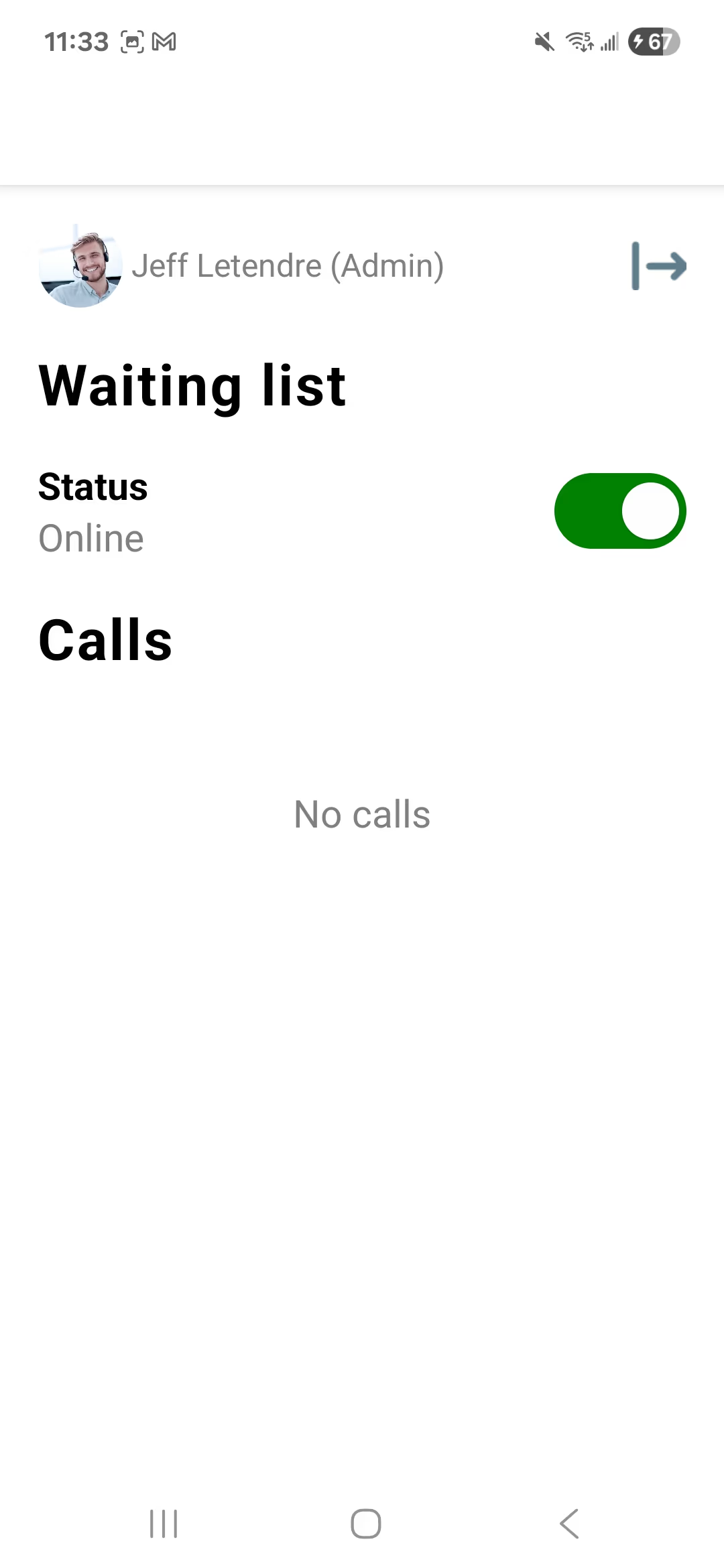
You are all set! While using the app, the notifications function just like they do on the dashboard, you can end a call or place it on hold.
During a video call, if another call comes in, you won’t be able to place the current call on hold. Answering the new one will end the active call.
Key Takeaways for the Virtual Front Desk Android App
The Virtual Front Desk Android app is a convenient way to receive native video call notifications and provide face-to-face service from your mobile device. To get started, download the app from the Google Play Store, log in with your credentials, and grant all required permissions for the camera, microphone, and phone calls.
Keep in mind that the mobile app offers limited functionality compared to the full PC dashboard. During active video calls, incoming calls cannot be placed on hold — answering a new call will automatically end the current one. For access to the complete suite of Virtual Front Desk features, the PC dashboard remains the recommended option.